

When to use
| Scenario | Use |
|---|---|
| PR triggers, scheduled jobs, shared ownership | Service account |
| Personal workflows, one-time tasks, testing | Your user account |
Configuration
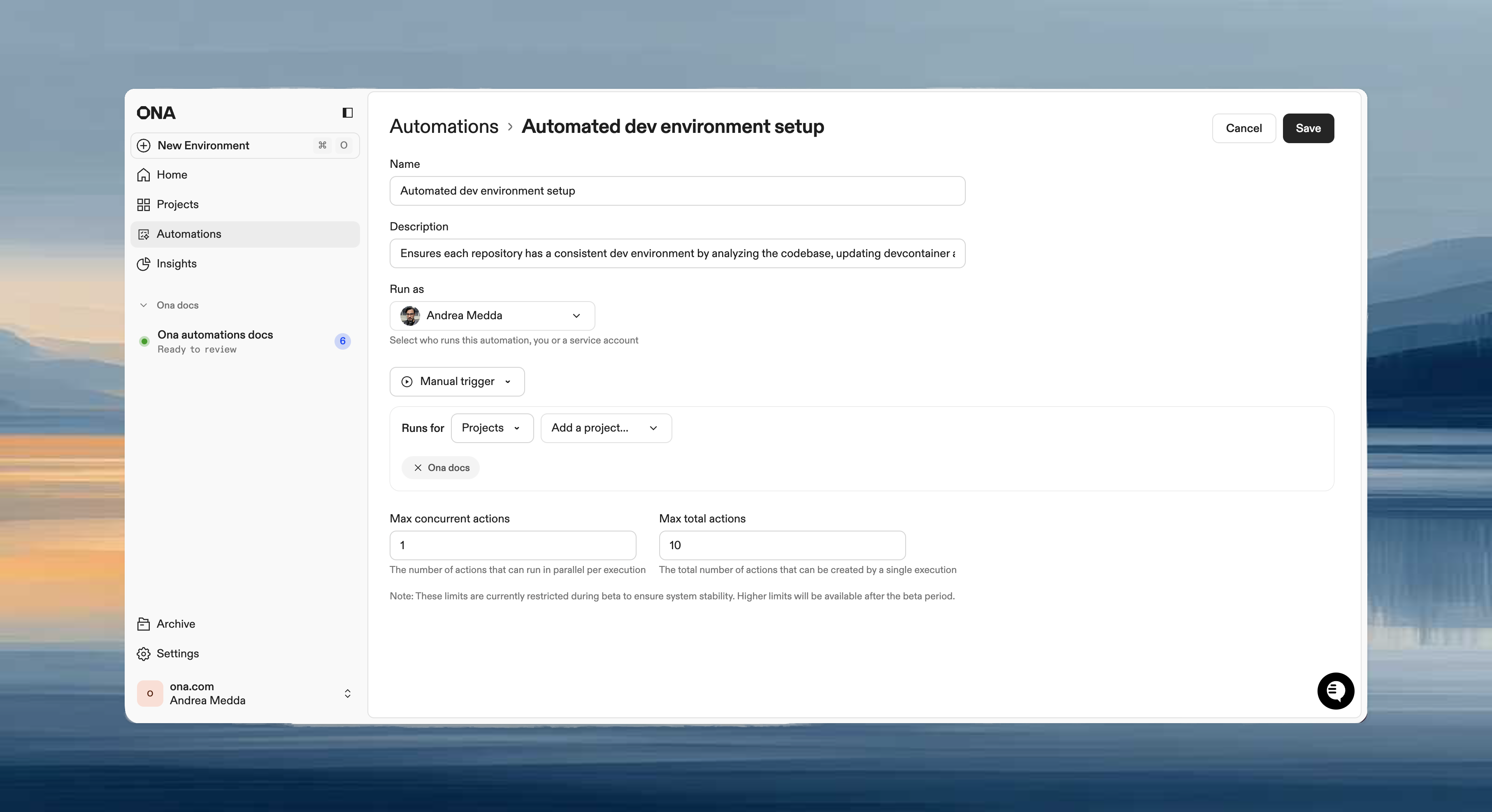
- In Run as, select the service account.
- Confirm Git authentication is configured.
- Save the Automation.
Requirements
- Service account created with Git authentication
- PAT with required scopes (
repo,read:user,user:email,workflowfor GitHub) - Access to target repositories
Secrets
Secrets are injected based on identity. When an Automation runs as a service account, that service account’s secrets are available in the environment.GitLab: If your organization requires verified emails for commits, GitLab service accounts will not work. Use a PAT from a dedicated real GitLab user with a verified company email. See GitLab limitations.
Troubleshooting
| Issue | Check |
|---|---|
| Authentication errors | PAT valid? Correct scopes? |
| Service account not in dropdown | Permissions to view? Account created? |
| Permission denied on repo | PAT has repo access? Write scopes? |