The dashboard no longer offers organization creation. Enterprise organizations and joining an existing Enterprise organization remain supported.
Join an organization
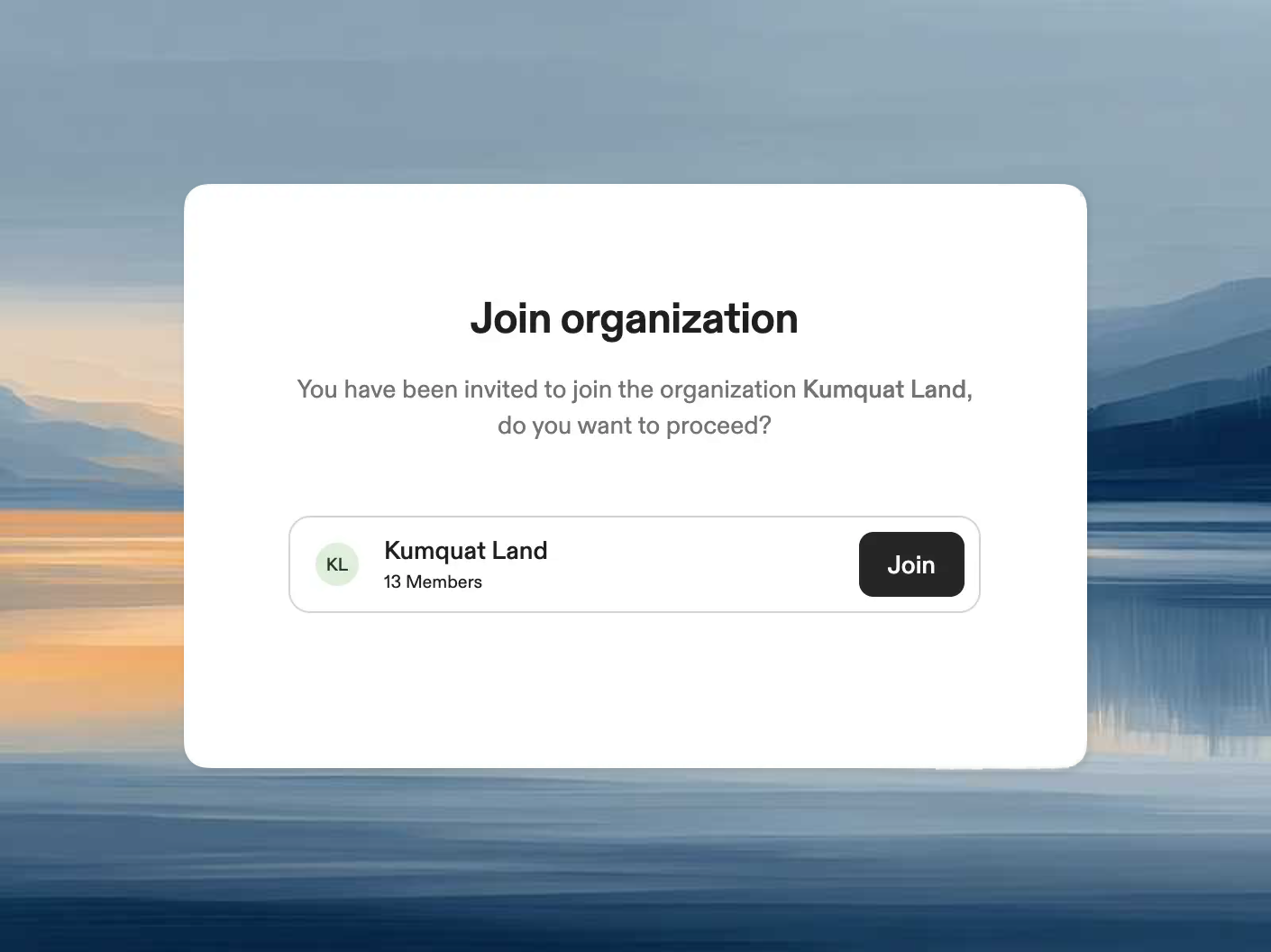
Open the account menu and select Join an existing organization. Organizations that allow you to join through email domain matching appear in the list. Click Join to become a member. If none are available, the page shows No joinable organizations. You can still follow an invitation link from your team.From an invite link
Clicking an invite link takes you directly to the join page for that organization. Sign in and accept the invitation. If the organization requires SSO, follow its sign-in instructions.