

- Source control for cloning repositories, pushing commits, and letting agents interact with pull requests and issues
- Tool integrations for giving agents access to work trackers, docs, incident tools, and other MCP-backed services
- Cloud access for federating from environments into providers like AWS without long-lived credentials
Source control
Source control is the foundational integration in Ona. It gives environments access to your repositories and lets agents work with the same permissions your developers already have. Supported providers:Tool integrations for agents
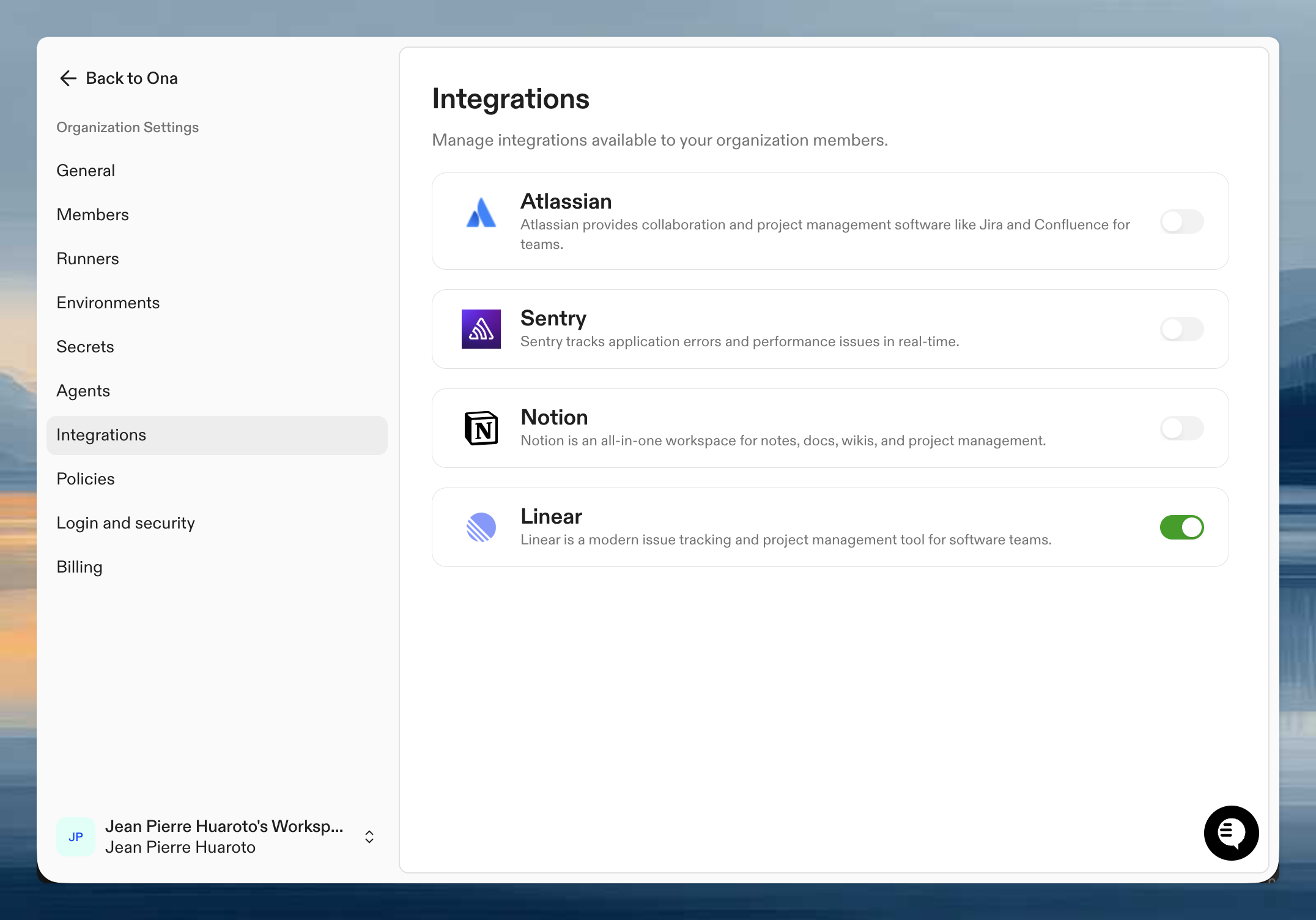
Most non-SCM integrations are exposed to agents through the Model Context Protocol (MCP). There are two distinct layers, and both must be in place before an agent can use a tool:- Organization integrations are configured by an administrator in your organization settings. They turn an integration on for the org (e.g., “Linear is allowed in this organization”) and provide the OAuth client and any shared configuration. Without this, the integration does not appear to users.
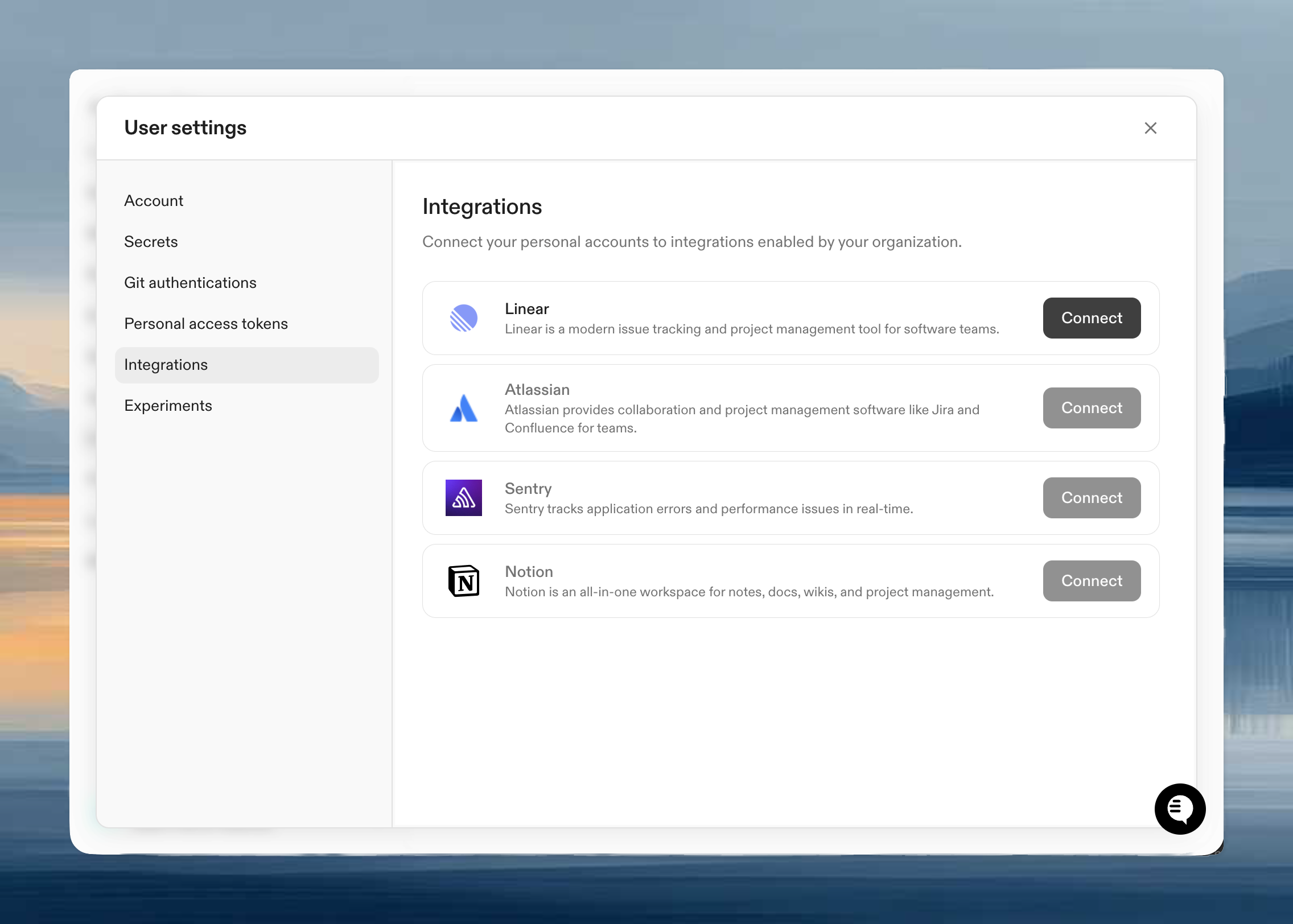
- Principal authentication happens after the org integration is enabled. Users connect personal accounts from User Settings > Integrations. Service accounts connect from the service account details page so automations can run with service-account credentials.
- Organization-level enablement by an administrator
- User or service-account authentication so the agent acts with the right identity
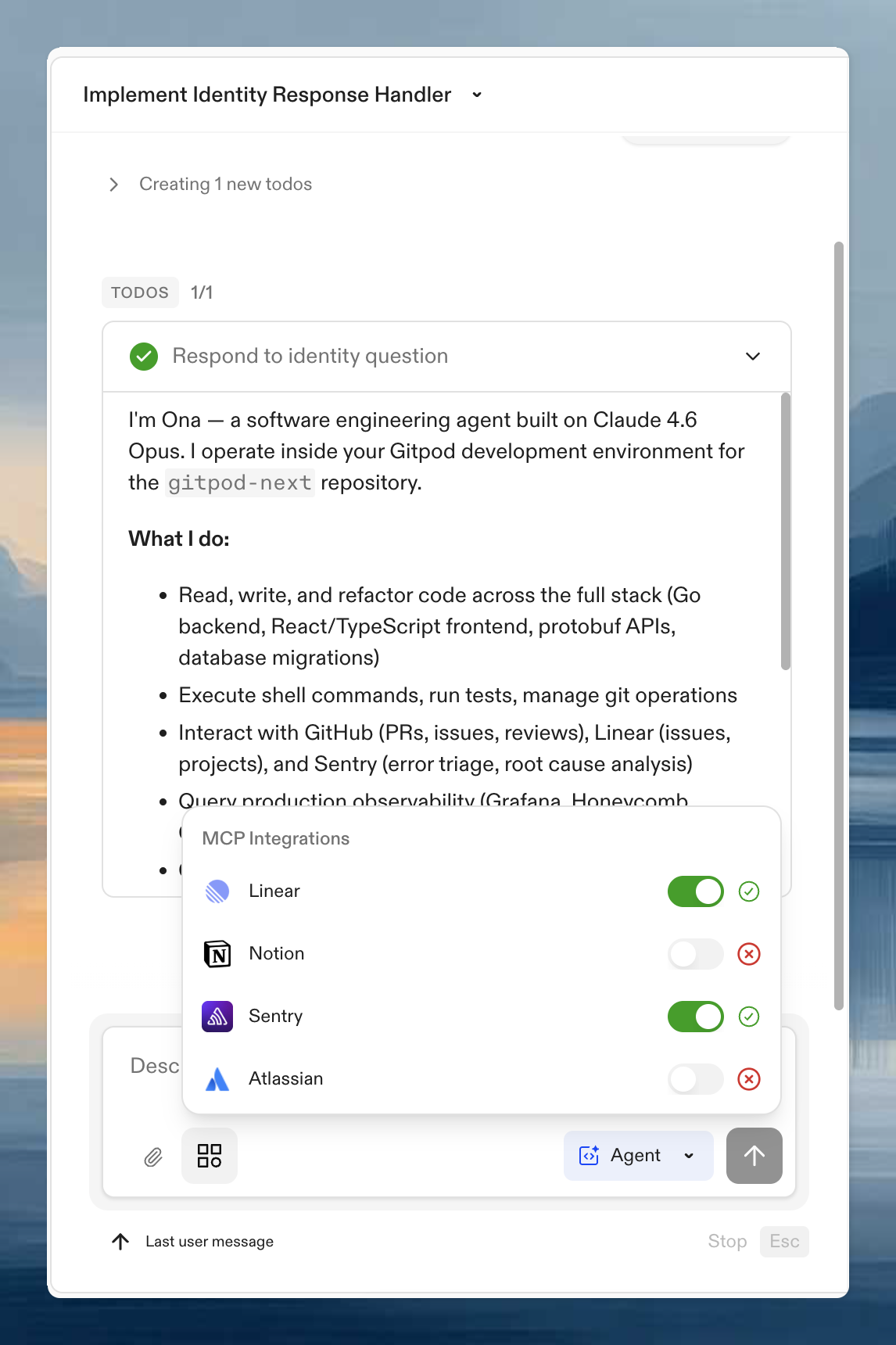
To check status during a session, open the MCP Integrations panel in the prompt input.
Cloud access
Ona environments can also federate into cloud providers using short-lived credentials instead of static secrets.- OpenID Connect (OIDC) for the core model
- AWS access from Ona for the AWS-specific setup