

Configuration
Event source
Pull request triggers need an event source that delivers PR events from your Git provider to Ona. There are two options:GitHub
If your organization has the GitHub integration enabled, select GitHub as the event source. Ona receives PR events directly through the App. When your Ona organization connects more than one GitHub organization, each event source includes the GitHub organization name, such asgithub.com/acme. Select the organization that owns the repositories this Automation should monitor.
Webhook
If your organization has webhooks configured, a dropdown appears instead, letting you select an existing webhook or configure a new one.Runs on
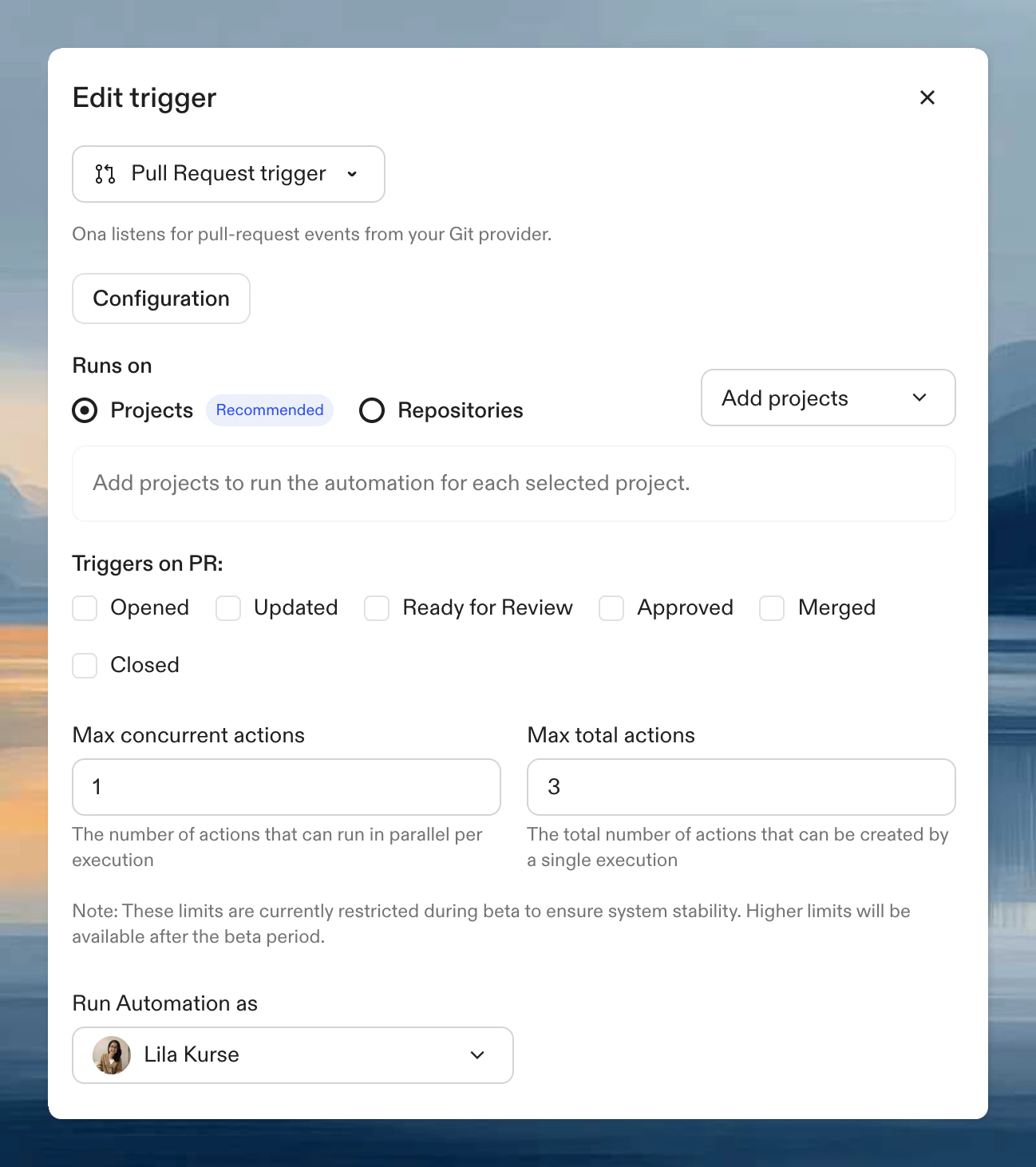
- Projects (recommended): select projects. The Automation monitors all repositories within them.
- Repositories: use a search query to filter specific repositories.
Triggers on PR
Common combinations: Opened + Updated (check every change), Ready for review (analysis before human review), Approved (final validation)
Next steps
- GitHub: enable the GitHub integration for webhook-free PR triggers
- Webhooks: create and manage webhook endpoints
- Run an Automation
- Manual triggers
- Time-based triggers