

Available on the Enterprise plan. Contact sales to learn more.
- Meeting compliance requirements for endpoint detection and response (EDR)
- Monitoring development environments for threats
- Maintaining security visibility across your organization
CrowdStrike Falcon
Deploy the CrowdStrike Falcon sensor as a sidecar container reporting to your CrowdStrike console. Falcon provides endpoint detection and response (EDR): threat detection, process monitoring, and malware prevention. It does not act as a firewall or enforce network policies. There is no additional Ona charge for this integration. It is included in the Enterprise plan. You need your own CrowdStrike Falcon subscription.Prerequisites
- CrowdStrike Falcon subscription with container sensor support
- Access to the
falcon-sensorcontainer image in your CrowdStrike registry - Customer ID (CID)
Resource impact
The Falcon sensor runs on the environment VM alongside your workload. It starts asynchronously and does not increase environment startup time. Typical steady-state overhead:- CPU: 1–3% (uses the BPF backend by default), with brief spikes during scans
- Memory: approximately 200–500 MB RAM
Configuration
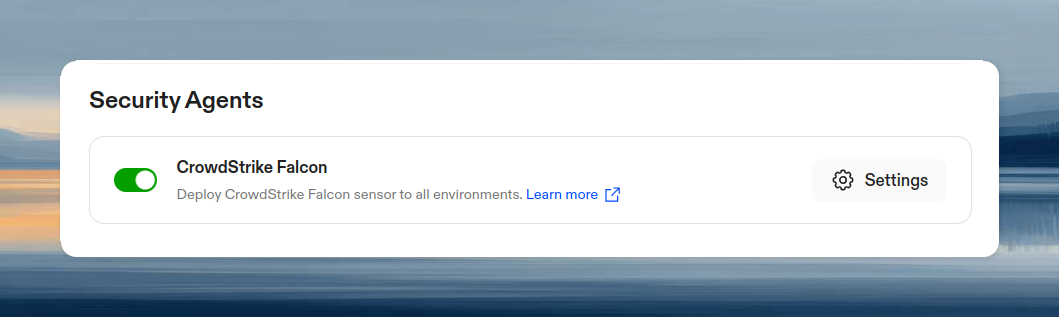
- Go to Policies and toggle Enable CrowdStrike Falcon
- Click Settings
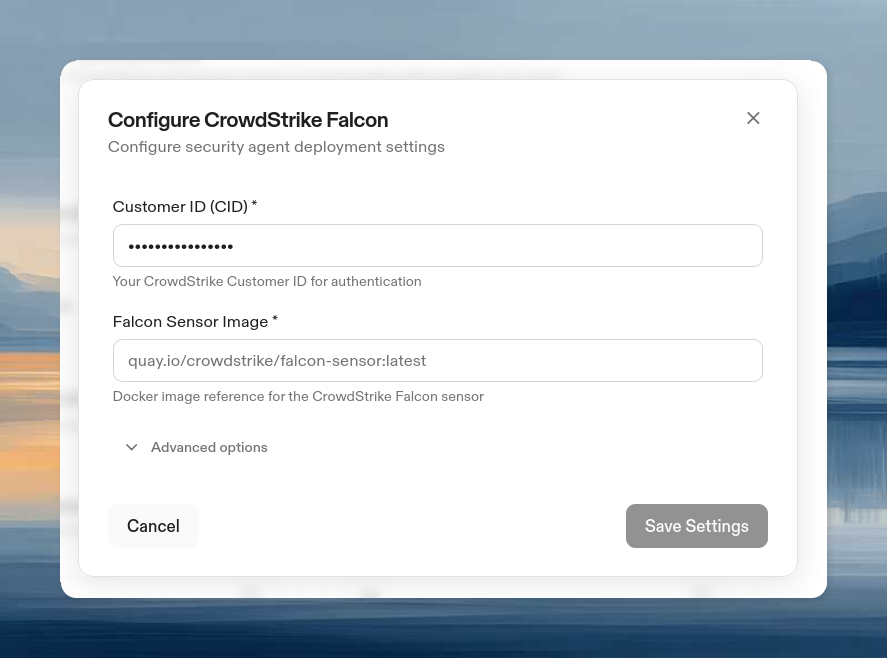
- Enter required information:
- Customer ID (CID): Stored securely, not visible in secrets list
- Falcon Sensor Image: Full image reference to the
falcon-sensorcontainer image from your CrowdStrike registry (e.g.,123456789.dkr.ecr.us-east-1.amazonaws.com/falcon-sensor:7.18.0-17106)
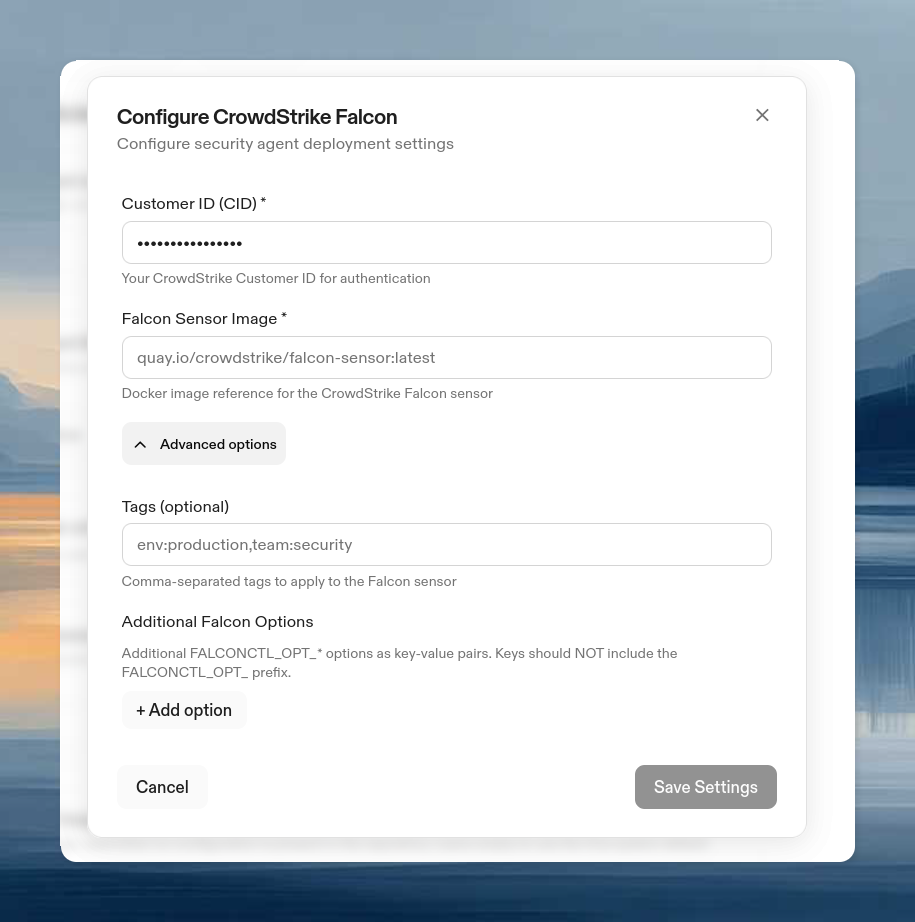
- (Optional) Expand Advanced Options:
- Tags: Comma-separated tags for Falcon console grouping
- Additional Falcon Options: Key-value pairs passed as
FALCONCTL_OPT_<KEY>environment variables to the sensor. Use this to set any falconctl option.
- Click Save
Configuring a proxy
The Falcon sensor does not use standardHTTP_PROXY / HTTPS_PROXY environment variables. If your environments route egress traffic through a proxy, configure it in Advanced Options → Additional Falcon Options with these keys:
For example, to route Falcon traffic through
proxy.internal.example.com:3128, add two entries in Additional Falcon Options:
- Key:
APH, Value:proxy.internal.example.com - Key:
APP, Value:3128
CLI configuration
Removal
To remove CrowdStrike Falcon from all environments:- Go to Policies and toggle off Enable CrowdStrike Falcon
- Click Save
How it works
When enabled, the Falcon sensor deploys automatically as a privileged sidecar container to all environments. The container runs with full host-level visibility (--pid=host, --net=host, --privileged) using the BPF backend. These permissions are required for the sensor to monitor host-level processes and network activity.
Whether the sensor operates in detect-only mode (reporting threats) or prevention mode (blocking malicious processes) depends on your CrowdStrike Falcon console policy settings. Ona deploys the sensor; your CrowdStrike policies control its behavior.
Metadata tags are added automatically: env_id/<id> and org_id/<id>. These appear in your Falcon console for identifying which environment and organization each sensor belongs to.