> ## Documentation Index
> Fetch the complete documentation index at: https://ona.com/docs/llms.txt
> Use this file to discover all available pages before exploring further.
# Default image
> Set the default devcontainer image for repositories without configuration.
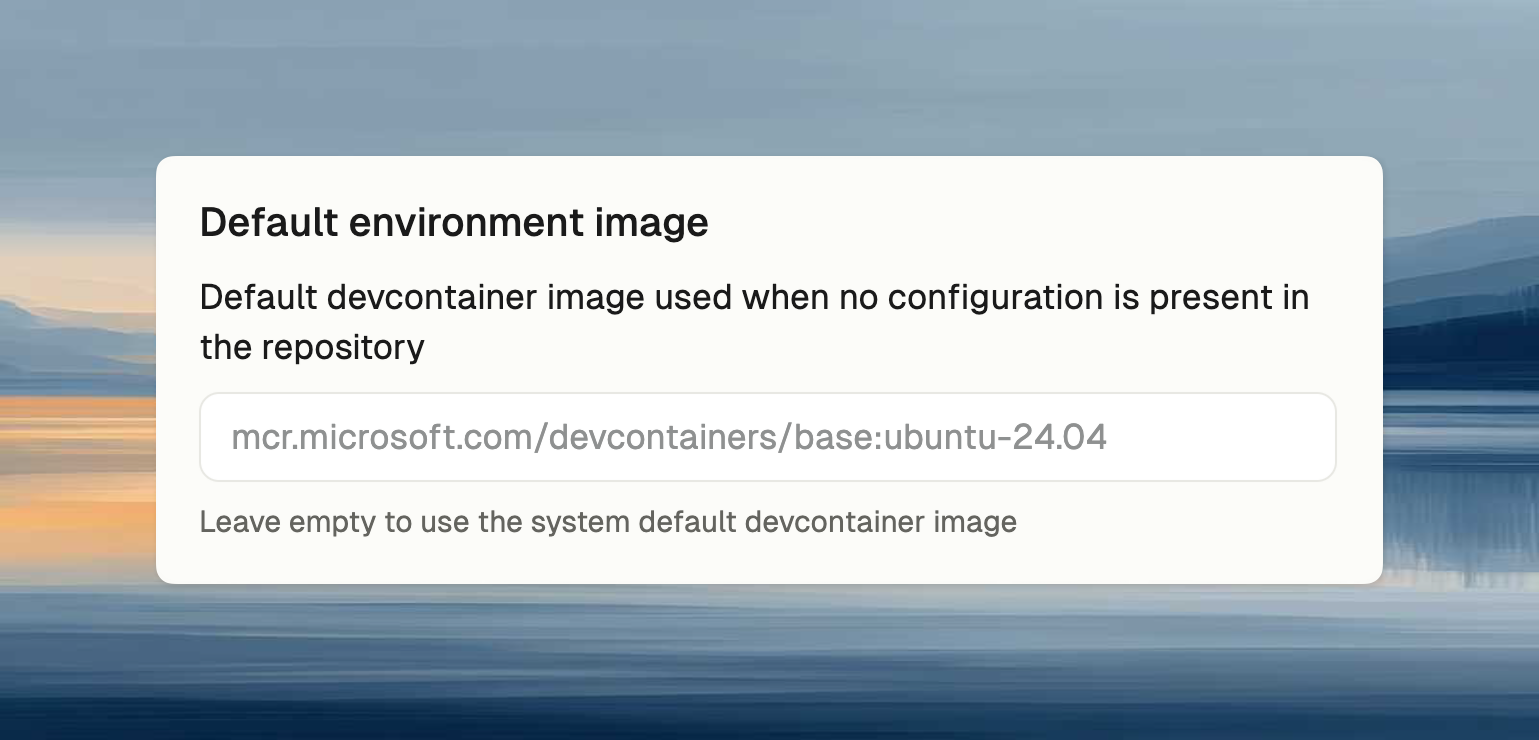
Set the default devcontainer image for repositories without a devcontainer configuration. Useful when:
* Standardizing base tooling across all environments
* Pre-installing company-specific tools or certificates
* Using internal images from a private registry
## Configuration
Enter a container image reference (e.g., `mcr.microsoft.com/devcontainers/base:2.0.4-noble`). If empty, uses system default.
Using private images? [Set up container registry credentials](/docs/ona/configuration/secrets/container-registry-secret) first.
 ## When this image is used
| Scenario | Image used |
| ------------------------------------------------ | ------------------------------ |
| Repository has `.devcontainer/devcontainer.json` | Repository's configured image |
| Repository has no devcontainer config | **Organization default image** |
| Blank environment (no repository) | **Organization default image** |
Repository devcontainer configurations always take precedence over the organization default.
On eligible Enterprise AWS runners, Ona also uses the default image to maintain automatic [base snapshots](/docs/ona/runners/aws/base-snapshots). Base snapshots cache the image and shared startup assets without storing project or user data.
## Reset cached image data
This feature is in preview and available only to selected organizations.
Enterprise organization admins can reset cached image data from the **Reset cached image data** action below the default image policy. Use this when environments may be using stale or incorrect cached image data.
1. Select **Reset cached image data**.
2. Review the startup impact, then select **Reset cache**.
Ona clears the cached image data and rebuilds it automatically. Until the new cache is ready, environments can take longer to start because they pull the default image instead of restoring cached image data.
## When this image is used
| Scenario | Image used |
| ------------------------------------------------ | ------------------------------ |
| Repository has `.devcontainer/devcontainer.json` | Repository's configured image |
| Repository has no devcontainer config | **Organization default image** |
| Blank environment (no repository) | **Organization default image** |
Repository devcontainer configurations always take precedence over the organization default.
On eligible Enterprise AWS runners, Ona also uses the default image to maintain automatic [base snapshots](/docs/ona/runners/aws/base-snapshots). Base snapshots cache the image and shared startup assets without storing project or user data.
## Reset cached image data
This feature is in preview and available only to selected organizations.
Enterprise organization admins can reset cached image data from the **Reset cached image data** action below the default image policy. Use this when environments may be using stale or incorrect cached image data.
1. Select **Reset cached image data**.
2. Review the startup impact, then select **Reset cache**.
Ona clears the cached image data and rebuilds it automatically. Until the new cache is ready, environments can take longer to start because they pull the default image instead of restoring cached image data.